
Studying comes with a few different online platforms, each with a clear purpose. Once you know what they’re for, studying becomes much easier.
This page is your quick guide to the key systems you’ll use throughout your degree. You'll learn where to find your subjects, how to manage your enrolment, and where to access the everyday info that keeps you on track.
You're here right now. The Current Students website is your go-to for general info and how-tos. Here's where you'll find: It gives you the big picture but isn’t personalised like your Student Portal. The site is public, so you can Google it and jump straight to the page you need. You don’t need to log in.

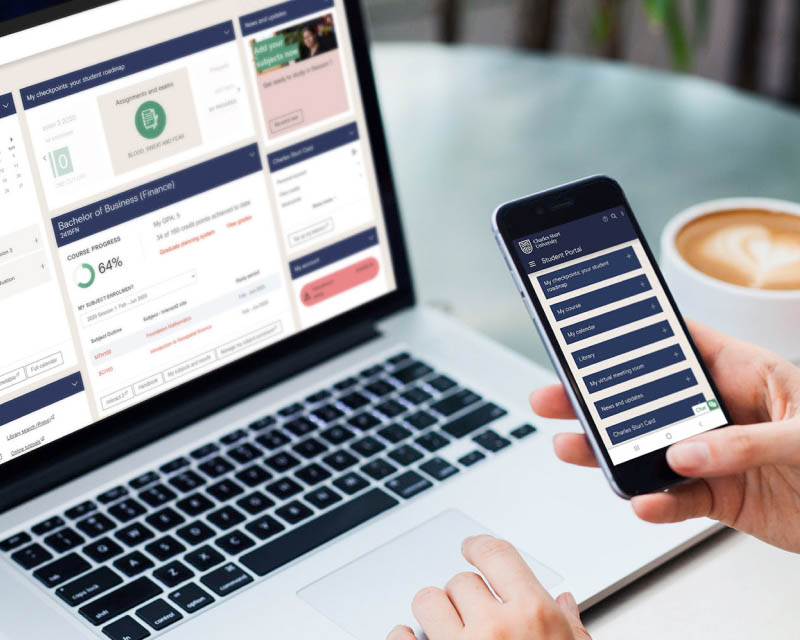
Your personalised dashboard brings together everything related to your enrolment, with direct access to support services. It’s also your starting point for onboarding and orientation. Use the student portal to:
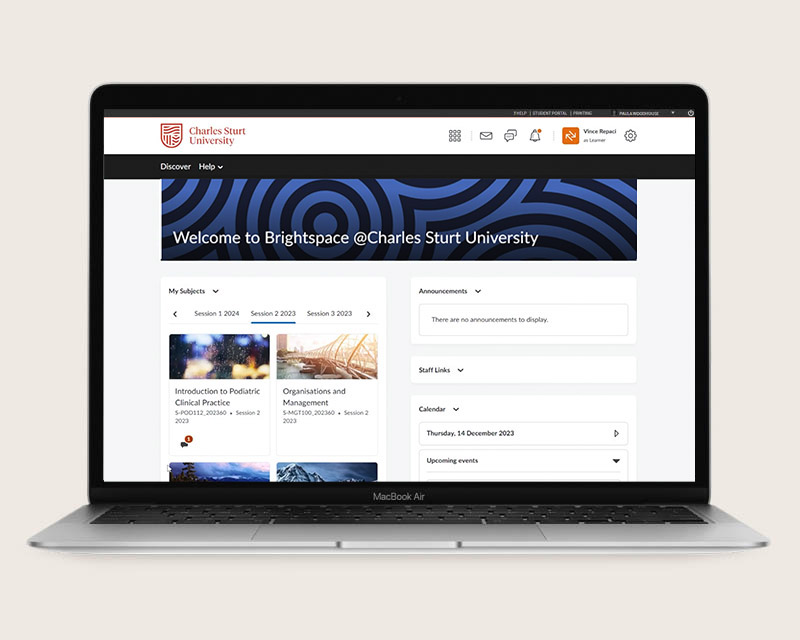
Brightspace is your learning management system. All your subject level information lives here - and every subject has its own dedicated space. Use Brightspace to:
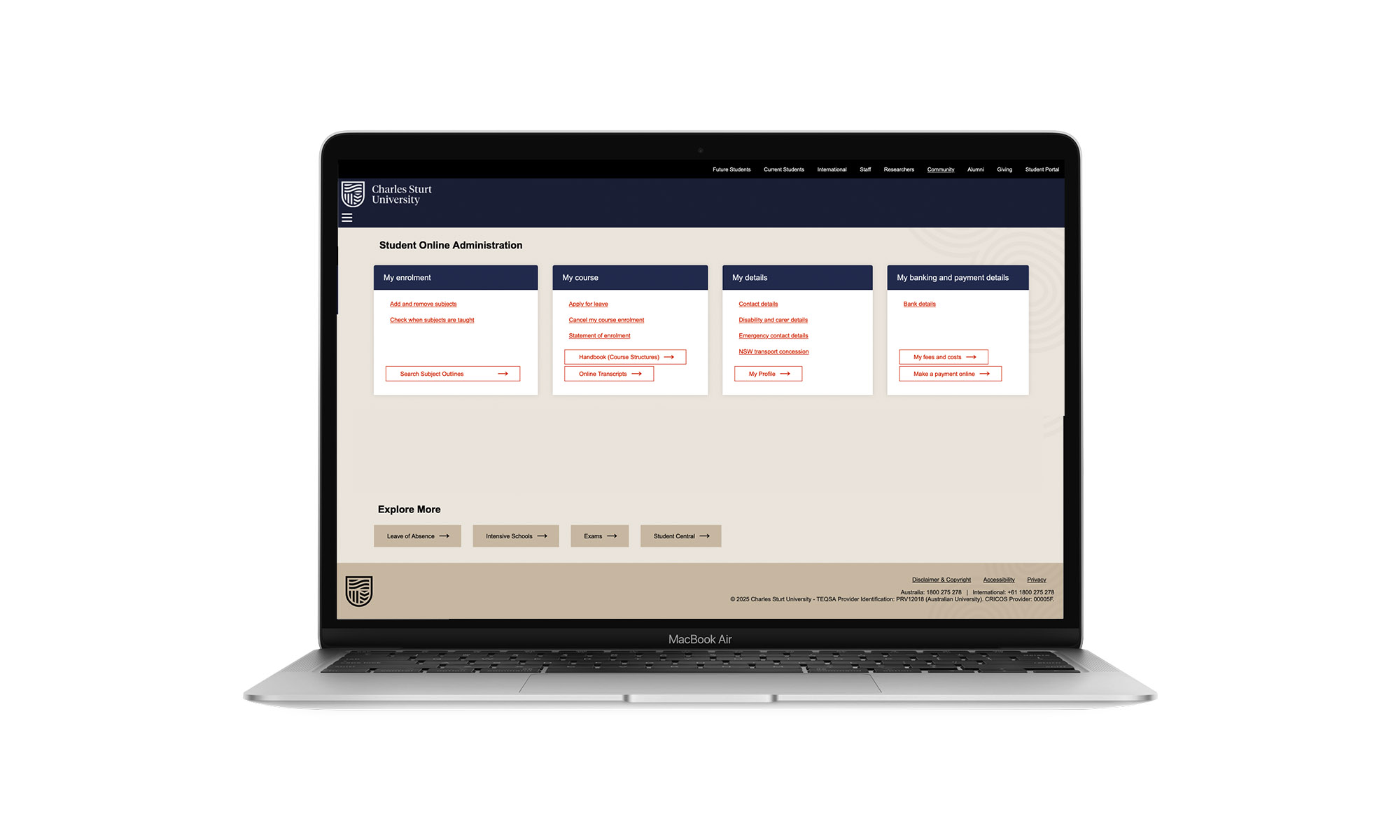
Manage your enrolment and details. From the Student Portal, use this system to:
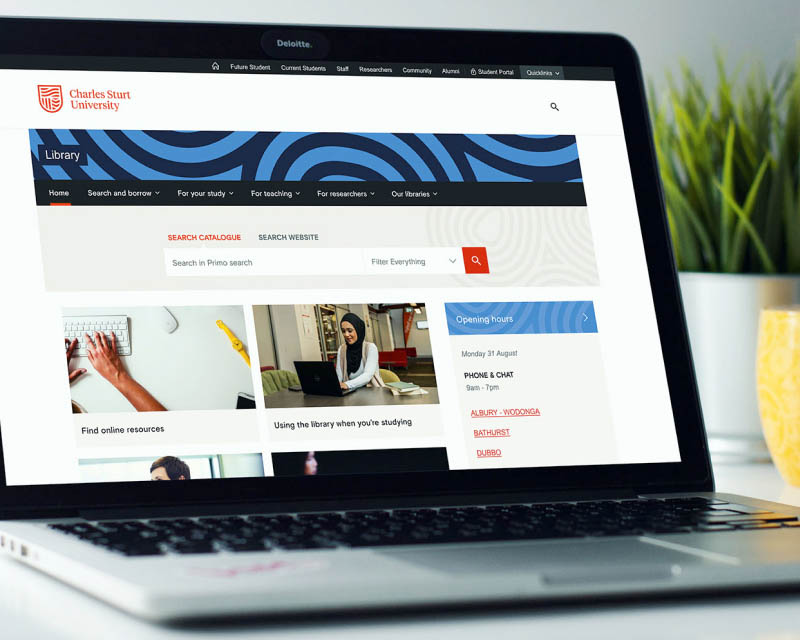
Your reliable study partner both on campus and online. You can access the library resources 24/7, with research and knowledge at your fingertips. Use the library to:
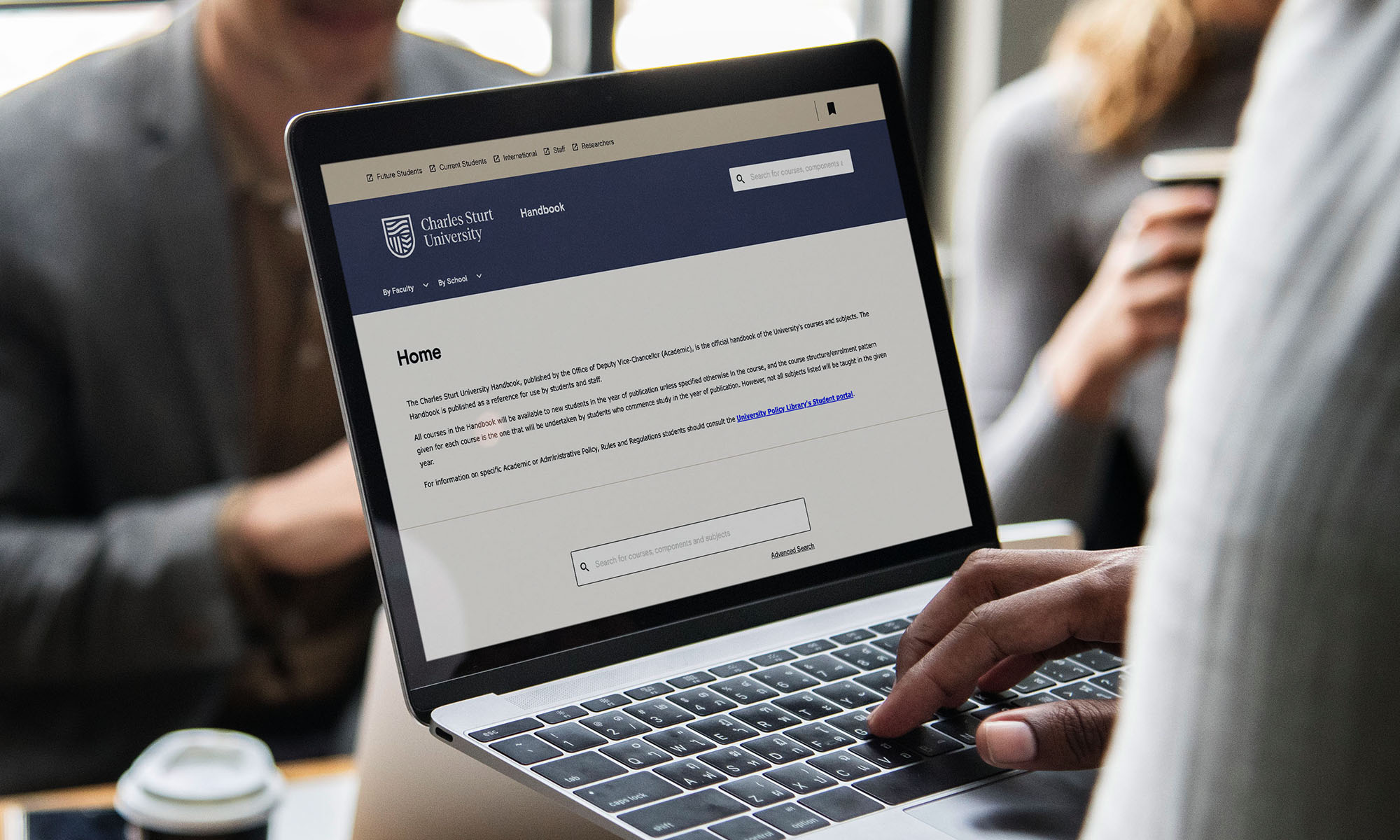
Your handbook is your official course guide. It outlines all the requirements you need to complete as part of your study. Follow the handbook from the year you started studying with us. Use your course handbook for:
Alongside the main platforms you’ll rely on each week, there are a few additional systems that come into play at different points in your studies. These support things like placements, exams, communication, and access to campus facilities.
You won’t use them every day, but it helps to know what they are. You can return to this page anytime to quickly find and access these systems whenever you need them.