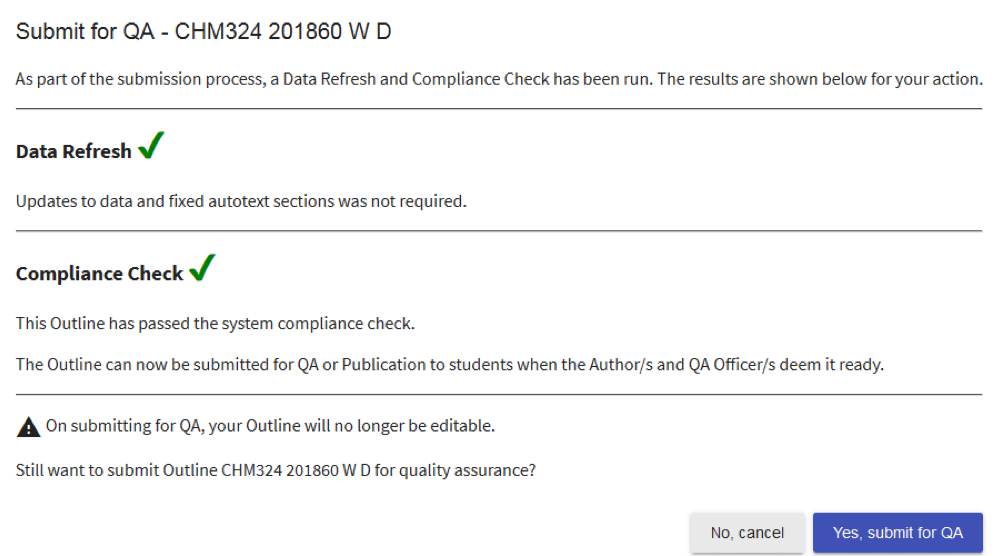
Once an Outline is deemed ready for QA, an Author must ‘Submit for QA’ on the floating toolbar. Various technical checks are performed including Due Date checks, a Data Refresh and Compliance Check . Pop ups will inform you if there are any issues that must be resolved before submission can occur, e.g. content is invalid and/or non-compliant or QA Declarations are incomplete.
If the Outline is able to be submitted for QA, you are able to confirm this action. Or cancel this action to resume editing.
Clone QA exemption
A cloned Outline may be exempt from QA if it was cloned from an Outline which:
- is for the same subject code
- is for the same session code; and
- has been QA Approved (i.e. submitted for publication at least once); and
- has not been edited since it was cloned
If the Outline is eligible for QA exemption, the Author will be asked to confirm they wish to submit the Outline for publication to students. Confirm submission; or click Cancel to return to the Edit Outline screen.
Learn more: Clone QA Exemption
TIP
Outlines under variation may also be exempt from QA. Learn more: Varying an Outline